
The 30-Second Lockout Survival Guide: How to Jumpstart Your Room
![[HERO] The 30-Second Lockout Survival Guide: How to Jumpstart Your Room](https://cdn.marblism.com/ZZfzk-jORUp.webp)
You’re standing in the hallway, it’s been a long day, and you tap your code into your door lock: only to realize nothing is happening. No beep, no light, just silence. I’ll break it down for you: don’t panic, because you aren't actually stuck; you just need a 30-second "jumpstart" to get back into your private oasis.
1. Breathe: This is a 30-Second Fix
We get it. The moment you realize your battery is dead, your mind goes to the worst-case scenario. You think you're going to be sleeping on the couch or waiting hours for a locksmith. In the Roommate Economy, we use high-tech digital locks to ensure your room is secure and private, but like any tech, batteries eventually run out of juice.
Think of this as a "Housing Cheat Code." Instead of calling an emergency line and waiting in the hallway, you can handle this yourself faster than you can microwave a bag of popcorn. Whether you are living in our Durham properties near Duke University or our Charlotte townhomes in the Sohomill area, the solution is right under your nose (literally, at the bottom of the lock).
2. Identify Your Lock Type
Before you grab a battery, you need to know which system you’re working with. At Community Room Rental, we use two primary professional-grade locks depending on your city.
Durham Residents (Yale Locks): If you are at our Dillard Street or downtown Durham locations, you likely have a Yale digital lock. These are sleek, usually silver or black, with a touchscreen or physical buttons. They are robust, but they do require a specific "jump" method involving a 9V battery.
Charlotte Residents (Sohomill/Sleek Locks): If you’re in our Sohomill units or other Charlotte neighborhoods like Steele Creek or SouthPark, you likely have a lock that utilizes an AA battery pack for emergency power. These locks have a small port on the bottom specifically designed for this situation.
3. Durham (Yale) – The 9V Battery Trick
If you’re in the Triangle and your Yale lock has gone dark, here is exactly what you do. This is a game-changer for anyone who has ever felt that "locked out" sinking feeling.
The Steps:
- Get a 9V Battery: You can find these at any nearby convenience store or drugstore. Better yet, keep one in your car or a common area drawer just in case.
- Locate the Nodes: Look at the very bottom of your door lock. You will see two small metal contact points (nodes).
- Hold and Press: Hold the 9V battery terminals against those two nodes. It doesn't matter which way you hold it.
- Wake it Up: While holding the battery firmly against the nodes, the lock will receive enough "jump" power to light up.
- Enter Your Code: Use your other hand to enter your code while the battery is still touching the nodes.
- Enter Your Room: The lock will engage, and you’re in!
Locked out without your phone? Ask a housemate to contact support and request a remote open. Then, once you have your phone back in hand, verify your concurrence with support so the request can be confirmed properly.
Pro Tip: Once you are inside, don't just throw the battery away. Keep it in a desk drawer. While our professional cleaning service handles common areas every other week, the internal battery of your private lock is your gateway to privacy.
4. Charlotte (Sohomill) – The AA Battery Pack
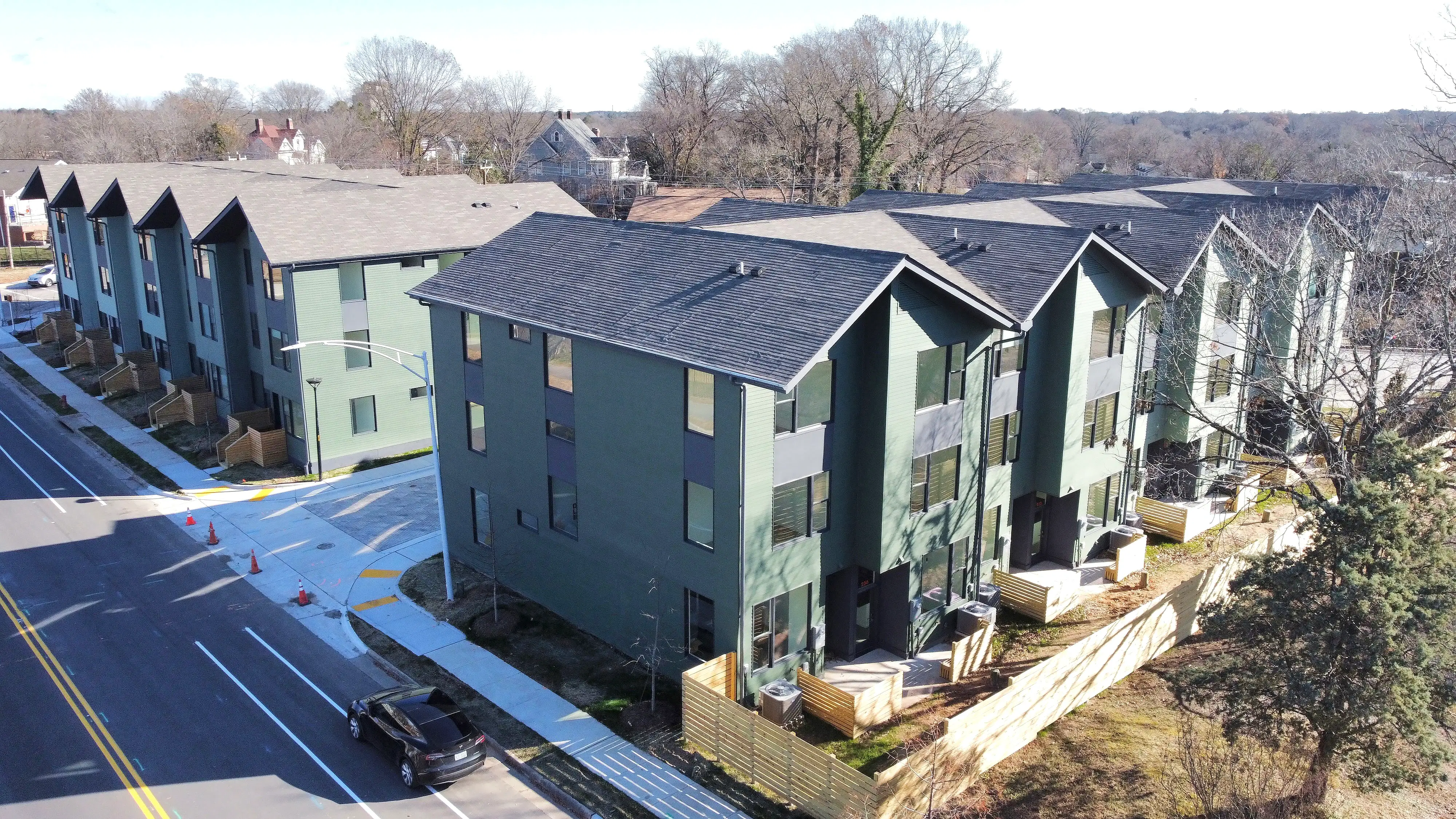
For our residents in the vibrant Charlotte scene: near the Light Rail or Optimist Hall: your lockout fix is even more straightforward. We’ve designed these spaces for Strategic Renting, which means we provide the tools you need to stay mobile and independent.
The Steps:
- Find the Emergency Pack: We keep the 4-AA battery pack in the house, usually in the kitchen or pantry area. If you can't find it, a simple USB-C or micro-USB power bank (depending on the specific model) can often do the trick too.
- Plug It In: Look at the bottom edge of your door lock. There is a small port designed to receive emergency power.
- Wait for the Beep: Once plugged in, the lock will power up instantly.
- Enter Your Code: Punch in your numbers, wait for the click, and walk right in.
Important: After the first low-battery warning, you usually have a 2–4 week grace period before the lock fully dies. And if your code suddenly stops working, start with a fresh battery or jumpstart first—because a lot of "code issues" are really low-power issues.
Emergency backup: If the lock is malfunctioning—not just dealing with a dead battery—you can call a locksmith in an emergency. Keep the invoice and submit it for review afterward.
Pro Tip: In Charlotte's fast-paced environment, no one wants to deal with a dead battery after a long shift at the hospital or a late night in NoDa. Familiarize yourself with where the emergency pack is located in your shared kitchen today.
5. The Critical Final Step: Maintenance Request
Now that you’re back inside your room (which, if you opted for our furnishing upcharge, probably looks like a cozy IKEA-inspired dream), there is one thing you must do immediately.
Submit a maintenance request right now.
A jumpstart is exactly what it sounds like: a temporary boost. It is not a permanent fix. Your internal batteries are still dead, and if you leave your room again without replacing them or alerting us, you will be doing the 9V battery dance all over again tomorrow.
Log into the Resident Portal and let us know your lock battery is dead. Our team will come out and replace the internal AA batteries so you can go back to your worry-free lifestyle.
6. Why This Happens (And Why It’s Okay)
You might be wondering why we don't just use traditional keys. The truth is, digital locks are a cornerstone of Smart Savings for Professionals. They allow for seamless move-ins, high-level security for your private bedroom, and the ability to change codes without the waste and cost of re-keying physical locks.

In a co-living setup, your bedroom is your private sanctuary. While you share a high-end kitchen and laundry facilities down the hall with other like-minded professionals, your door is your own. These locks are the best way to ensure that "private" stays "private." Occasionally, the batteries die: it’s just the nature of electronics. But with this "Dead Battery Cheat Code," it’s never more than a 30-second inconvenience.
7. Life After the Lockout: Enjoying Your Space
Once the battery drama is over, take a moment to appreciate why you chose co-living in the first place. Whether you’re walking to the American Tobacco Campus in Durham or commuting from Steele Creek to Uptown Charlotte, you’ve chosen a lifestyle that prioritizes convenience and community.
Remember, your membership includes:
- All-Inclusive Rent: No juggling four different utility bills.
- High-Speed Wi-Fi: Perfect for those late-night work sessions.
- Professional Cleaning: We take care of the common spaces every other week.
- A Built-in Community: You’re living with other professionals who understand the grind.
If you’re still getting settled and looking for ways to make your room feel more like home, don't forget to check out our Furnishing Help Page for tips on using our IKEA partnership to deck out your space on a budget.
Summary: Your Lockout Checklist
- Durham? Grab a 9V battery and touch the bottom nodes.
- No phone in Durham? Ask a housemate to contact support for a remote open, then verify concurrence once you have your phone.
- Charlotte? Grab the 4-AA emergency pack from the kitchen or pantry area.
- Code issue in Charlotte? Try a fresh battery or jumpstart first—many issues are low-power issues, not bad codes.
- Low-battery warning? You usually have a 2–4 week grace period, but don't wait too long.
- Lock malfunction in Charlotte? Call a locksmith only in an emergency, then submit the invoice for review.
- Inside? Immediately go to Maintenance Requests.
- Panicking? Don't. You've got this.
The Roommate Economy is all about being resourceful and enjoying a higher standard of living for less. Now that you've mastered the lock jumpstart, you're officially a pro at the "Housing Cheat Code" lifestyle.
For more information see: